Cybertruck · Color reference
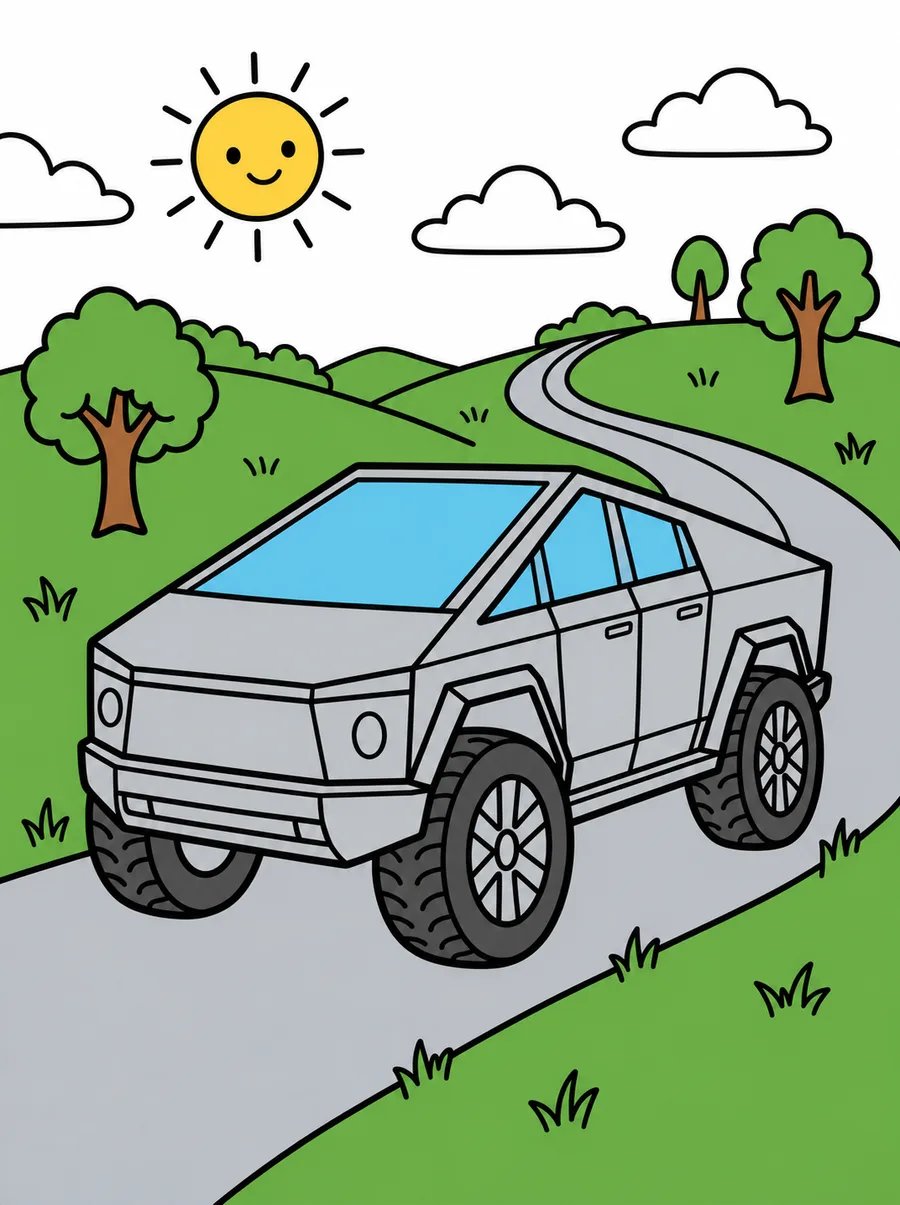
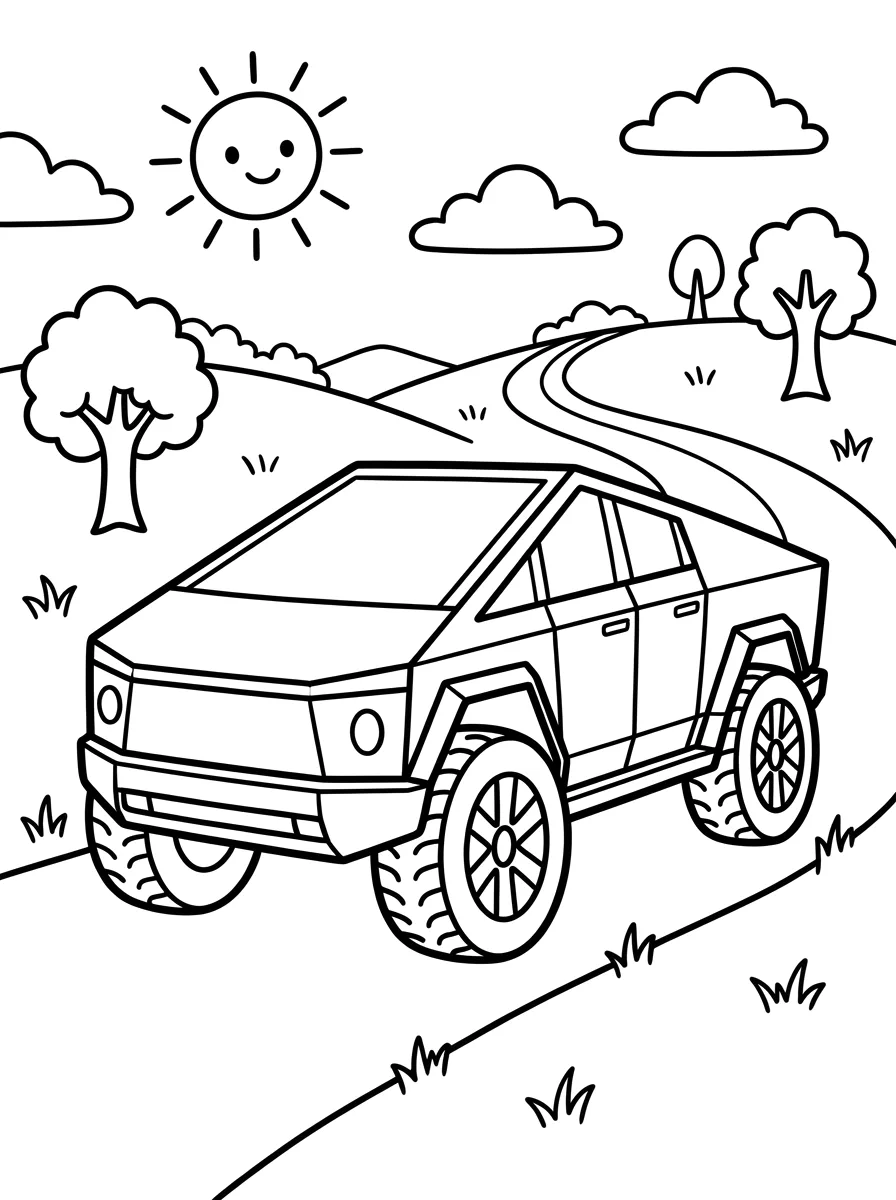
Tesla Cybertruck Coloring Page Color Example — Hillside Drive (Easy)
Color example for the Tesla Cybertruck coloring page. The color reference for the easy Tesla Cybertruck page in a hillside drive scene. Use it to plan the colors of the car and the background, then print the matching line art.
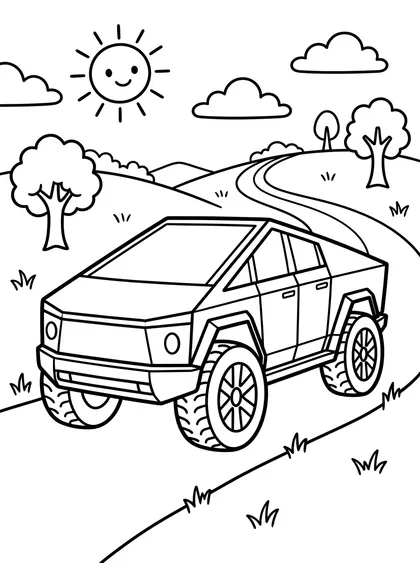
NEW · Color online
Color this page right now
No printer needed. Fill areas in one click, pick suggested colors, and come back later to continue.
Color it with the reference beside you
The left page is the finished version you look at while choosing colors. The right page is the one you print and color. Each downloads separately.


The file downloads as soon as you press it.
Activity guide for this page
- Recommended age
- Ages 5–7
- Estimated time
- 20–30 min
- Difficulty
- Easy
- Areas to color
- about 80
Coloring order
- Start with the big hills and the winding road in green and gray.
- Color the boxy Cybertruck silver or gray, then the big tires in a darker color.
- Finish with the smiling sun, the puffy clouds, the round trees and the grass.
Questions to talk about
- How does the Cybertruck look different from other cars?
- What might be at the end of the road over the hill?
- Why do you think the sun is smiling?
Take it further
Cut colored paper into only squares and triangles and glue them into a boxy car like the Cybertruck.
Age and time are rough guides for a child coloring alone with pencils or crayons; every child is different. The area count is an estimate counted from the line-art image.
About this image
A reference showing the scene in color. Follow it or choose your own. It sits on the left page of a spread.
The color reference mostly uses green, gray, sky blue, yellow, white, in that order. Use the same colors or swap in your favorites.
Printing and coloring tips
- Print on A4 or Letter in portrait to keep the original proportions.
- Keep the finished version open beside you while you color.
- Use slightly heavier paper with water-based markers so the ink shows through less.
- Fill the large areas first and leave the small ones for later.
- The finished version is only a suggestion. Any colors you like will work.
Good to color next
 Hyundai IONIQ 5 Coloring Page Color Example — Storybook City Street (Easy)
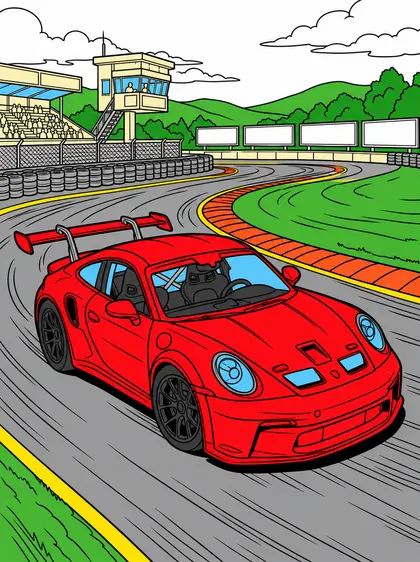 Porsche 911 GT3 Coloring Page Color Example — Race Circuit Corner (Ages 9–11)
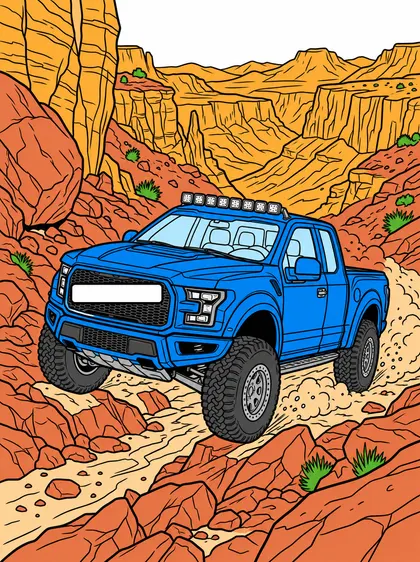 Ford F-150 Raptor R Coloring Page Color Example — Canyon Off-road Trail (Ages 9–11)
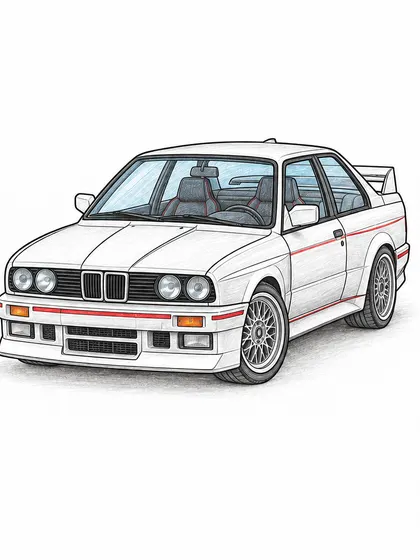 BMW M3 E30 Coloring Page Color Example
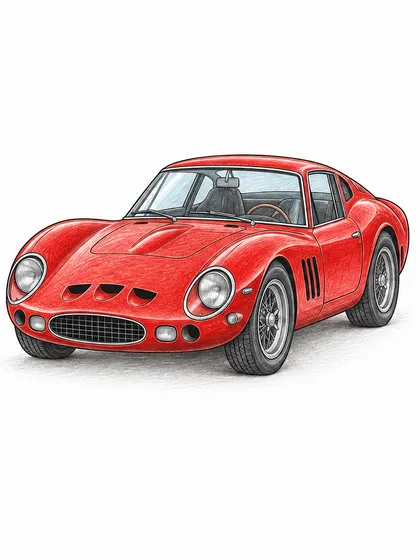 Ferrari 250 GTO Coloring Page Color Example
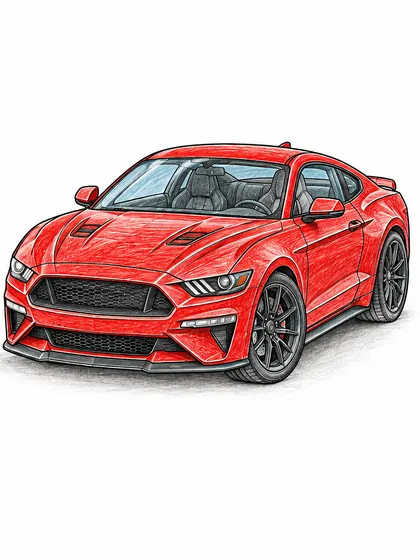 Ford Mustang GT Fastback Coloring Page Color Example
Related searches
- tesla cybertruck coloring page
- tesla cybertruck coloring pages
- tesla cybertruck coloring example
- cybertruck coloring page
- Easy Cars for Kids coloring pages
- car coloring pages
- printable car coloring sheets
- easy car coloring pages
- car coloring pages for preschoolers
- coloring pages for kids
- free printable coloring pages