Junwoo the Software Engineer · Character line art
Software Engineer Coloring Page — Tech Office
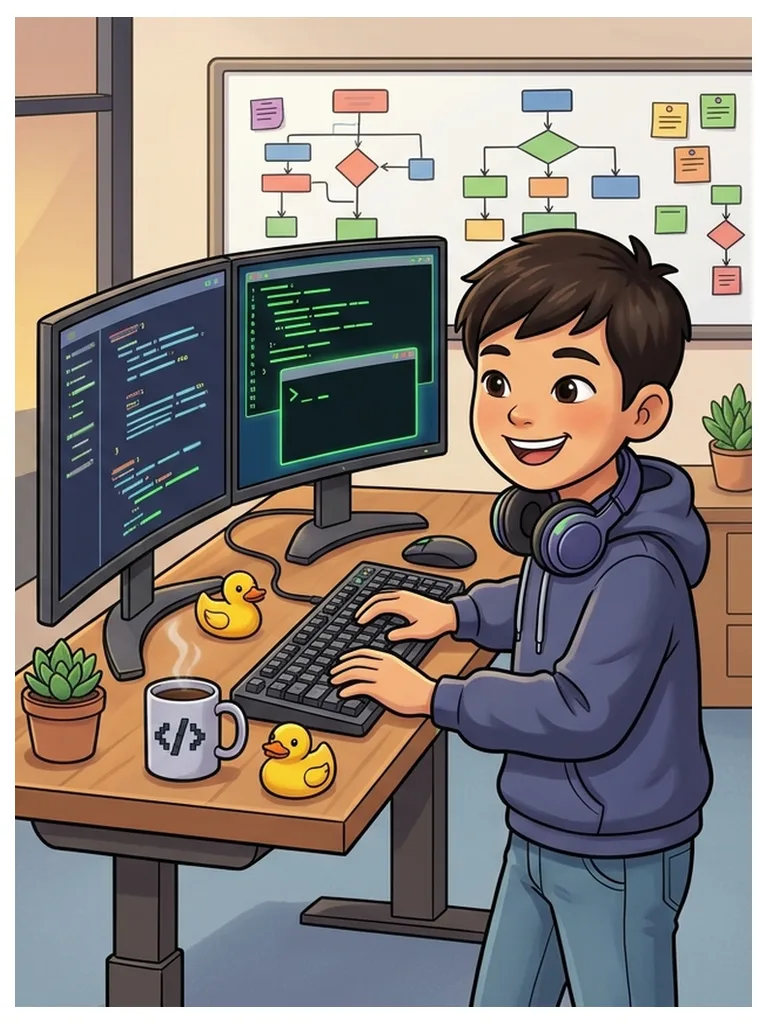
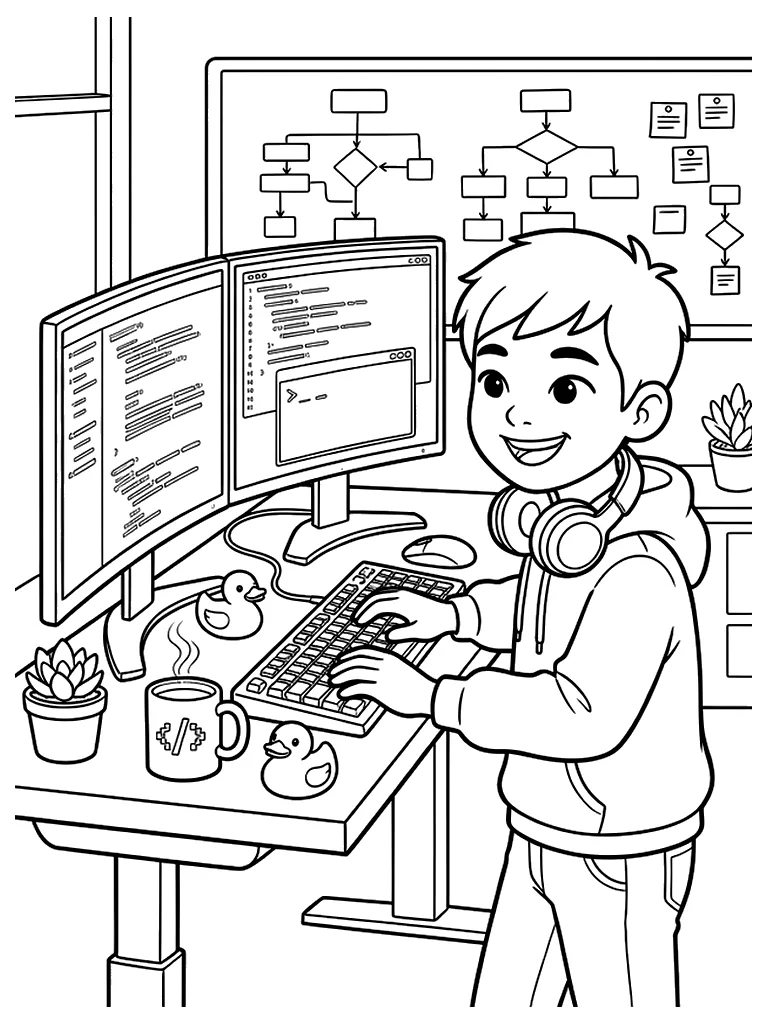
Free printable Software Engineer coloring page. Software engineer Junwoo, in a hoodie with headphones around his neck, types code at two monitors, with a flowchart on the whiteboard, a coffee mug, rubber ducks and a potted plant. The whole workplace is drawn in, so there is plenty to color and lots to talk about. A matching color reference helps you choose colors.
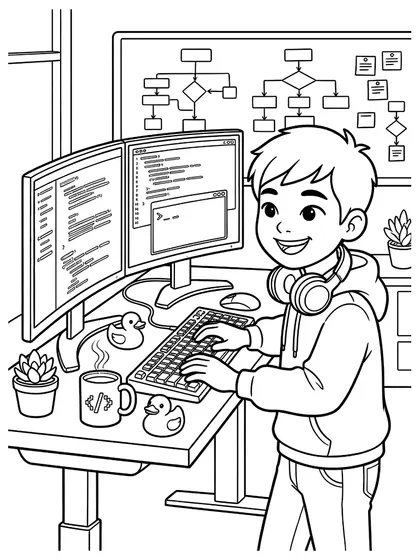
NEW · Color online
Color this page right now
No printer needed. Fill areas in one click, pick suggested colors, and come back later to continue.
Color it with the reference beside you
The left page is the finished version you look at while choosing colors. The right page is the one you print and color. Each downloads separately.
Print this one and color it
Download image63 KBColor it onlineopens a new windowThe file downloads as soon as you press it.
Activity guide for this page
- Recommended age
- Ages 5–7
- Estimated time
- 20–30 min
- Difficulty
- Easy
- Areas to color
- about 96
Coloring order
- Color the hoodie, headphones and hair.
- Make the screens dark and the lines of code bright.
- Finish with the flowchart boxes, desk, mug, rubber ducks and plant.
Questions to talk about
- How do we tell a computer what to do?
- What do the boxes and arrows on the whiteboard show?
- If you made an app, what would it do?
Take it further
Write the steps from waking up to leaving for school on cards and join them with arrows to make a flowchart.
Age and time are rough guides for a child coloring alone with pencils or crayons; every child is different. The area count is an estimate counted from the line-art image.
About this image
The black-and-white line art you print and color. Closed shapes and bold outlines make it easy to fill.
The color reference mostly uses navy, sky blue, blue, yellow, orange, peach, in that order. Use the same colors or swap in your favorites.
Printing and coloring tips
- Print on A4 or Letter in portrait to keep the original proportions.
- Keep the finished version open beside you while you color.
- Use slightly heavier paper with water-based markers so the ink shows through less.
- Fill the large areas first and leave the small ones for later.
- The finished version is only a suggestion. Any colors you like will work.
Good to color next




Related searches
- software engineer coloring page
- software engineer coloring pages
- printable software engineer coloring sheet
- junwoo the software engineer coloring page
- community helpers coloring pages
- career coloring pages for kids
- programmer coloring page
- coding coloring page
- coloring pages for kids
- free printable coloring pages