

1. Getting started
On any coloring page, press "Color it online". The coloring screen opens large with just the picture and the tools, and no ads.
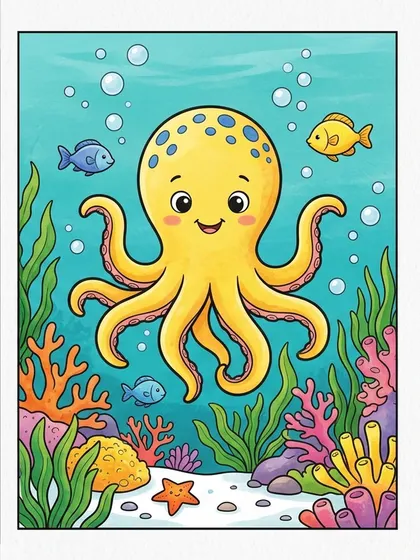
You color the black-and-white line art. The color reference is not for coloring; it sits beside the picture to help choose colors.
2. Three tools: fill, brush and eraser
- Fill: colors a closed area in one click, so even young children can fill large shapes.
- Brush: colors freely for small details. It comes in thin, medium and thick.
- Eraser: removes only your colors and keeps the black lines.
- Use Undo and Redo to step back and forward.
3. Choosing colors
"Suggested colors" at the top of the palette come from the page’s color reference (when the page has one), so following them gives a result close to the reference.
You can also pick from the basic colors or mix your own, and "Show reference" keeps the finished example beside your picture.
4. Autosave and saving your picture
Your coloring is saved automatically in this browser. Open the same page again later and choose "Continue". Nothing is sent to our server.
When you finish, Save downloads a PNG and Print prints it as colored. Clearing browser data or switching devices removes the autosave, so save finished pictures.
5. Computer and tablet tips
- Computer: the screen is designed for a mouse. Zoom with the wheel and hold the space bar to drag the picture.
- Shortcuts: F fill, B brush, E eraser, Ctrl+Z undo, Ctrl+Y redo.
- Tablet: a stylus or finger works too, but the layout is designed for computers; a tablet layout is in preparation. Landscape is easier.
6. Mix screen and paper
Try color combinations on screen first, then print the same page and color it with crayons. Screen coloring lets beginners undo mistakes; paper coloring builds hand skills.
Pages used in this article

FAQ
Is online coloring free?
Yes. Every line-art page can be colored and saved for free.
Where is my picture saved?
Only in the browser on your device. It is not sent anywhere, so you cannot continue on another device. Save finished pictures as PNG.
Does it work on a phone?
It opens, but the screen is small for coloring. A computer or tablet works better.