
1. What changed
Until now, you downloaded and printed pages one at a time. Twelve pages for a lesson meant twelve downloads.
Now you can add the pages you need and get them as one PDF. Open one file and print, which saves effort when preparing a lesson or a weekend coloring set.
This feature is for members only, so you need to sign up. Signing up is free.
2. How to use it
- Add: press Add on the page finder, the princess, dragon and Christmas collections, or a coloring page. The number added appears at the bottom of the screen.
- Check: press the bar at the bottom, or See my pages in your account, to see your pages in order. You can remove any you do not need.
- Get: press Get PDF. You need to sign up to use this. After you sign up or log in, you come back to this screen with your pages still there.
3. Turns and limits
- Members get 5 turns a month, renewed on the 1st of each month (Korea time).
- You can add up to 20 pages at a time.
- Downloading the same set again in the same month does not use another turn, so you can get it again if you lose the file or the download stops.
- Your remaining turns appear on the PDF screen and in your account.
4. Ideas for sets
- By theme: add only fairy tale princesses, or only easy dragons, and use them like a small book.
- By season: add Christmas animals and winter scenes for December activity sheets.
- By week: add five pages, one for each weekday, for a coloring set at home.
- By age: check the number of areas to color on each page and group similar levels together.
5. When printing
- Choose A4 paper and 100% scale (actual size). Each picture sits in the center of its own A4 sheet.
- Wide pictures are placed on a landscape page.
- Markers and paint can show through the paper, so single-sided printing is a good idea.
6. If you forget your password
On the login screen, use Forgot your password? to ask for a reset with the email you signed up with. After checking it, the site operator emails a temporary password to that address. This can take a few days. Log in with it, then choose a new password.
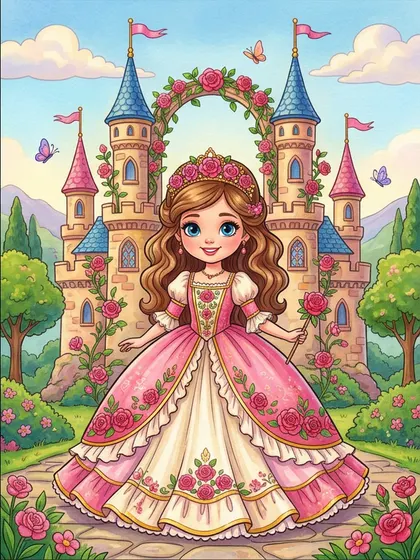
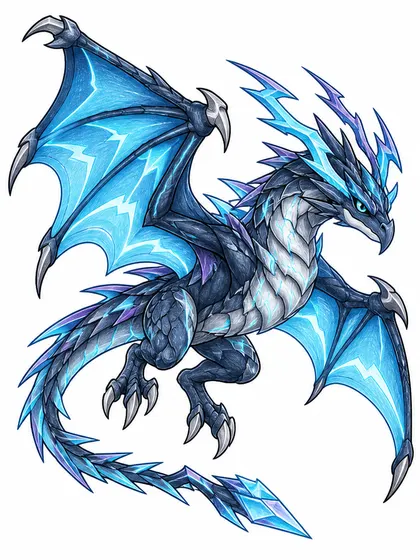
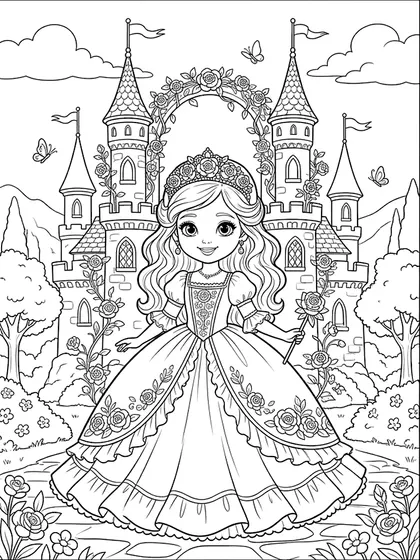
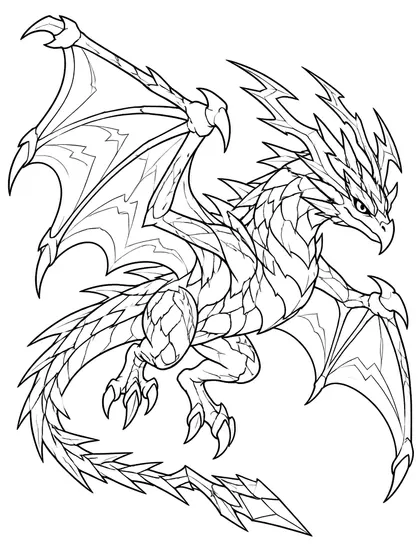
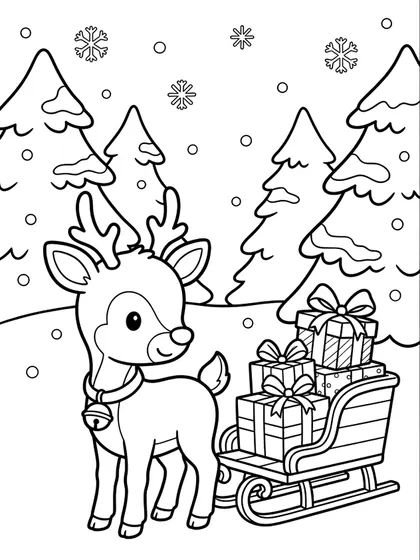
Pages used in this article
FAQ
Do I have to pay?
No. There is no payment. Members can do this 5 times a month, up to 20 pages each.
Can I use it if I am not a member?
No. Collecting pages as a PDF is for members only, so you need to sign up. Anyone can still download single PNG pages.
Can I add color references?
For now, only black and white line art can be added. Color references can be downloaded one at a time from each page.
Does it work on a phone?
Yes. The PDF is made on your device, so many pages can take a while. A computer or tablet is easier for 20 pages.
Can I see my pages on another device?
No. The pages you add are stored only in the browser you are using, and clearing your browsing data may remove them.
Can I share the PDF?
Printing it for home, school, nursery or class use is fine. Selling or redistributing the PDF file itself is not allowed.